Fire Dragon First Deposit Guide – GCash, Maya & Bank Transfer for Beginners
Understanding Fire Dragon Minimum Deposit Amounts (PHP 100-500 Range)
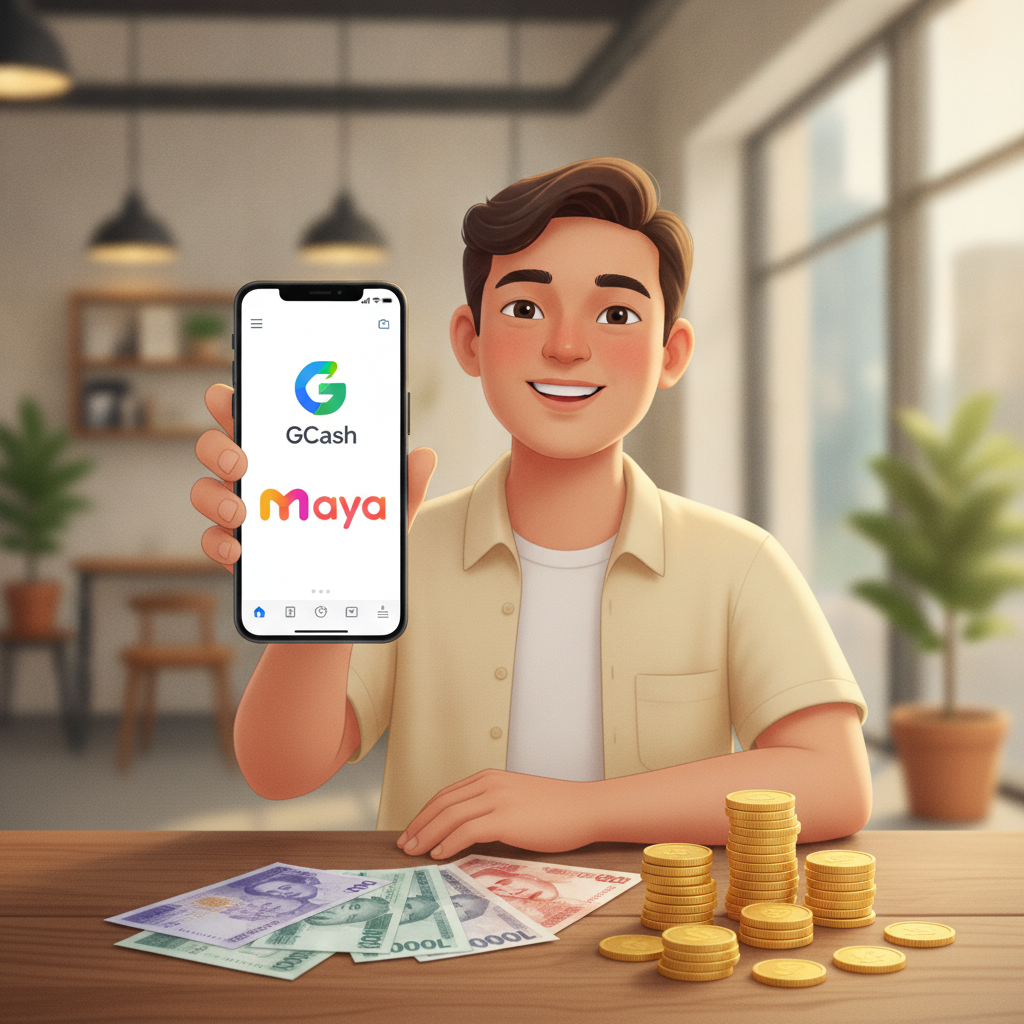
Fire Dragon sets its minimum deposit at PHP 100, making it accessible for Filipino players who want to try online slots, live dealer games, or sports betting without committing large amounts upfront. Most first-time users deposit between PHP 100 and PHP 500 to test the platform and explore the game selection.
The PHP 100 minimum applies across all payment methods—GCash, Maya, and bank transfer via InstaPay or PESONet. There is no difference in the minimum threshold based on which channel you choose, so you can pick the method already installed on your Android phone or linked to your bank account.
Keep in mind that your deposit amount determines how many rounds or bets you can place. A PHP 100 deposit on slots with a PHP 5 minimum spin gives you twenty spins before needing to top up. If you prefer live dealer games like baccarat or blackjack, check the table minimums—some live tables start at PHP 50 per hand, while others may require PHP 100 or more.
Fire Dragon does not publish a maximum deposit limit on its public pages, but e-wallets like GCash and Maya enforce their own transaction caps. GCash fully verified accounts can send up to PHP 100,000 per month, and Maya sets similar limits depending on your verification tier. For larger deposits, bank transfer via InstaPay or PESONet may offer higher ceilings, though processing times are longer.
Before you deposit, confirm that your Fire Dragon account is fully registered and that you have completed any identity verification steps the platform requires. Incomplete accounts may experience delays or restrictions when funding or withdrawing.
Step-by-Step: Depositing with GCash on Fire Dragon
GCash is the most popular e-wallet in the Philippines and the fastest way to fund a Fire Dragon account. If you already use GCash for bills or online shopping, the deposit process will feel familiar.
1. Log in to your Fire Dragon account
Open the Fire Dragon site or app on your mobile browser. Tap Login and enter your registered phone number or email and password. If you have not registered yet, complete the sign-up process first—you cannot deposit without an active account.
2. Navigate to the Deposit or Cashier section
Once logged in, look for a button labeled Deposit, Cashier, or Wallet in the top menu or account dashboard. Tap it to open the list of payment methods.
3. Select GCash as your payment method
You will see icons or text links for GCash, Maya, and bank transfer. Tap GCash.
4. Enter your deposit amount
Type the amount you want to deposit—minimum PHP 100. Double-check the number before proceeding. The system may show a summary of any processing fees, though most GCash deposits to Fire Dragon are fee-free.
5. Confirm and redirect to GCash
Tap Proceed or Confirm. Fire Dragon will redirect you to the GCash app or mobile web interface. If you have the GCash app installed, it will open automatically.
6. Authorize the payment in GCash
The GCash screen will display the recipient (Fire Dragon or its payment processor) and the amount. Enter your GCash MPIN to authorize the transaction. You will see a confirmation message once the payment is successful.
7. Return to Fire Dragon and check your balance
After authorization, you will be redirected back to the Fire Dragon site or app. Your deposit should reflect in your account balance within seconds. If it does not appear immediately, wait one to two minutes and refresh the page. Check the Transaction History section if you need a record of the deposit.
GCash deposits are instant in most cases. If your balance does not update after five minutes, verify that the payment left your GCash wallet and contact Fire Dragon customer support with your transaction reference number.
Step-by-Step: Depositing with Maya E-Wallet
Maya (formerly PayMaya) is another widely used e-wallet in the Philippines. The deposit process on Fire Dragon mirrors the GCash flow, with a few Maya-specific steps.
1. Log in to Fire Dragon
Use your registered credentials to log in on your mobile browser or app.
2. Go to the Deposit or Cashier page
Tap the Deposit or Cashier button in the main menu.
3. Choose Maya as your payment option
Select Maya from the list of available payment methods.
4. Enter the deposit amount
Input at least PHP 100 or your preferred amount up to PHP 500 for a first deposit. Confirm the details.
5. Proceed to the Maya payment gateway
Fire Dragon will redirect you to Maya's checkout page or open the Maya app if it is installed on your phone.
6. Authenticate the transaction
You will see the transaction details—recipient name and deposit amount. Enter your Maya password or use biometric login (fingerprint or face unlock) to approve the payment. Maya will display a success screen once the transaction is authorized.
7. Return to Fire Dragon and verify your balance
You will be sent back to Fire Dragon automatically. Your account balance should update within seconds. Refresh your dashboard if the new balance does not appear right away.
Maya deposits are also processed instantly. If there is a delay beyond five minutes, check your Maya transaction history to confirm the payment was completed, then reach out to Fire Dragon support if needed.
Both GCash and Maya do not usually charge fees for deposits to online gaming platforms, but always review the final amount on the payment screen before confirming.
Using InstaPay and PESONet Bank Transfers for Deposits
If you prefer to deposit directly from your Philippine bank account, Fire Dragon accepts InstaPay and PESONet transfers. These methods take longer than e-wallets but are useful if you do not have GCash or Maya, or if you want to move larger sums.
InstaPay
InstaPay is a real-time bank transfer service in the Philippines. Deposits via InstaPay typically reflect within minutes, sometimes up to one hour depending on your bank and Fire Dragon's payment processor.
Steps to deposit via InstaPay:
- Log in to Fire Dragon and go to Deposit or Cashier.
- Select Bank Transfer or InstaPay from the payment options.
- Fire Dragon will display a recipient account number, account name, and bank. Copy or screenshot these details.
- Open your bank's mobile app or online banking portal.
- Choose Send Money or Transfer Funds, then select InstaPay as the transfer type.
- Enter the recipient account number and bank provided by Fire Dragon.
- Input your deposit amount (minimum PHP 100) and any required reference or message—Fire Dragon may ask you to include your username or account ID.
- Confirm the transfer using your bank PIN or one-time password (OTP).
- Return to Fire Dragon. The deposit should appear within a few minutes. If it does not, check your bank transaction history and contact Fire Dragon support with your reference number.
Most banks in the Philippines support InstaPay, including BPI, BDO, Metrobank, UnionBank, and Security Bank. InstaPay transfers may incur a PHP 10–25 service fee depending on your bank.
PESONet
PESONet is a batch-processing bank transfer system. Transactions are settled in batches throughout the day, so deposits can take several hours—sometimes until the next banking day if submitted late in the evening.
Steps to deposit via PESONet:
- Log in to Fire Dragon and navigate to Deposit.
- Choose PESONet or Bank Transfer.
- Copy the recipient bank details provided by Fire Dragon.
- Open your bank's online or mobile banking platform.
- Select Send Money or Fund Transfer, then choose PESONet.
- Enter the Fire Dragon recipient account number, bank, and deposit amount.
- Include your Fire Dragon username or account ID in the reference field if prompted.
- Confirm and authorize the transaction with your bank security credentials.
- Wait for the batch processing window to complete. Deposits made before 10:00 AM typically reflect by early afternoon; those submitted after 3:00 PM may not appear until the next business day.
- Check your Fire Dragon balance after a few hours. Contact support if the deposit does not arrive within 24 hours.
PESONet is best for planned deposits when you are not in a rush to play. It is also useful for amounts above e-wallet monthly limits. Transaction fees are usually lower than InstaPay—around PHP 10–15—but confirm with your bank before proceeding.
Always double-check recipient account details before confirming any bank transfer. Incorrect account numbers can result in lost funds or lengthy refund processes.
21+ Only, Deposit Responsibly Within Your Budget
Fire Dragon is for players aged 21 and over only. Online gambling is restricted to adults, and Fire Dragon enforces this age requirement during registration and verification.
Before making your first deposit, set a personal budget. Decide how much you can afford to spend on entertainment without affecting your daily expenses, bills, or savings. The PHP 100–500 range is a good starting point for beginners—it lets you explore slots, live dealer tables, and sports betting without overcommitting.
Responsible gambling reminders:
- Treat deposits as entertainment expenses, not income opportunities.
- Do not chase losses by depositing more than your planned budget.
- Set time limits for your gaming sessions.
- Take breaks if you feel frustrated or stressed.
- Never borrow money to gamble.
Fire Dragon provides account tools to help you manage your play. Check the Responsible Gambling or Account Settings section for deposit limits, session reminders, or self-exclusion options if you need a break.
If you or someone you know is struggling with gambling, seek help from local support resources or speak to a trusted family member.
Deposit only what you can afford to lose, play within your limits, and remember that online gaming is meant to be fun—not a financial strategy.